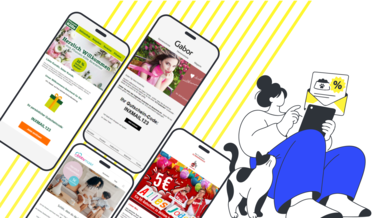
You upload a list of voucher codes and insert a placeholder into your newsletter. When it is sent, each recipient automatically receives their own unused code.
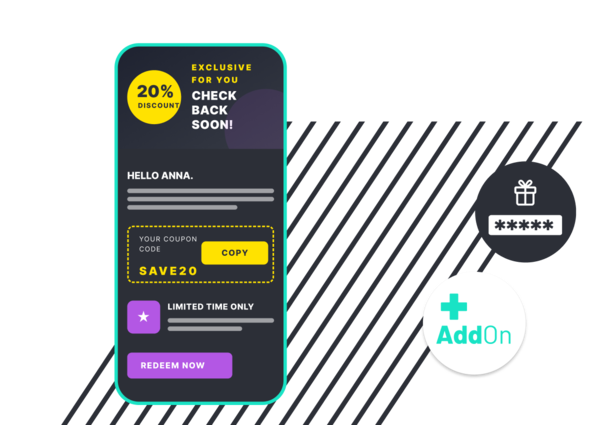
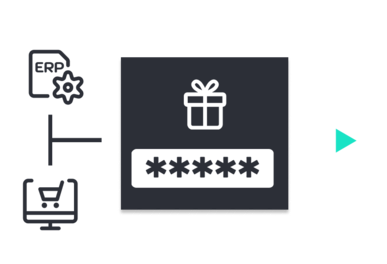
Upload your vouchers from your ERP system or online shop directly to the add-on.
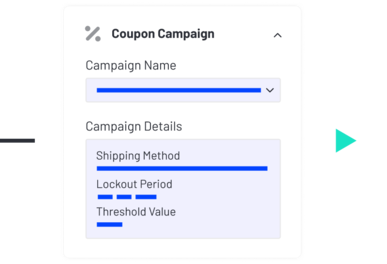
Set the blocking period, delivery method, and notification threshold.
Place the placeholder in the email body, and Inxmail handles the personalized delivery.
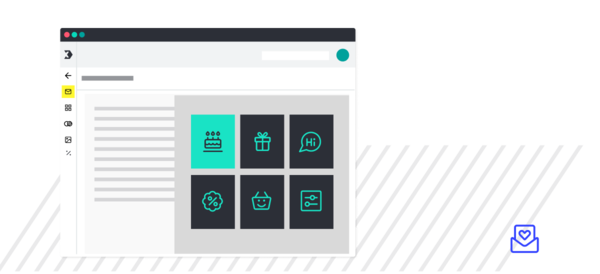
Choose proven templates for birthday, sales, or welcome emails and get started right away.
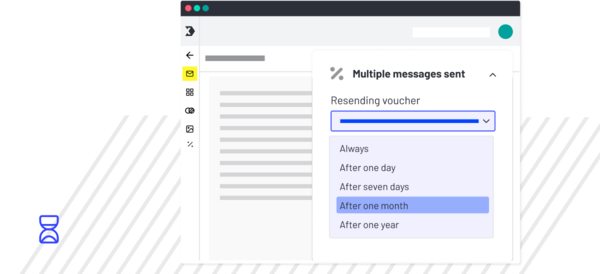
Decide how often someone receives a new code—from once only to after every purchase.
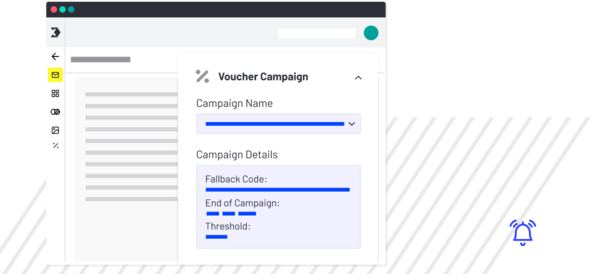
We notify you in good time before your voucher codes run out. You decide who receives the notification and at what threshold. If the codes do run out, no problem: you can define a fallback code.

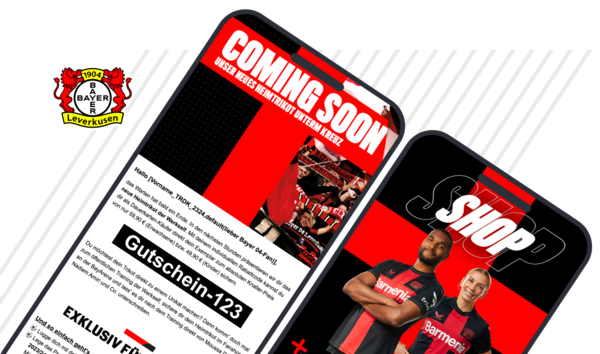
Use it when you want to send recipient-specific voucher codes in newsletters or other emails in XNEW and recipient fields are not practical for this purpose.
It manages, imports, and sends personalized text codes. It cannot send graphical codes such as barcodes or QR codes. If you need this, please contact us.
Yes. You can test it directly in the app and send up to 1,000 emails with voucher codes in test mode.
Yes. Because the data is kept completely separate, you can run both in parallel or switch over gradually.
Not yet, but we are working on extending XCOM to make this possible in the future. Our Enhancement Service can already provide an individual solution. Please contact us if you need this.
No. The two solutions are independent and must be ordered separately.

We advise you on setup, costs, and migration from the XPRO plug-in.